Back
WEBTRAY
Introduction
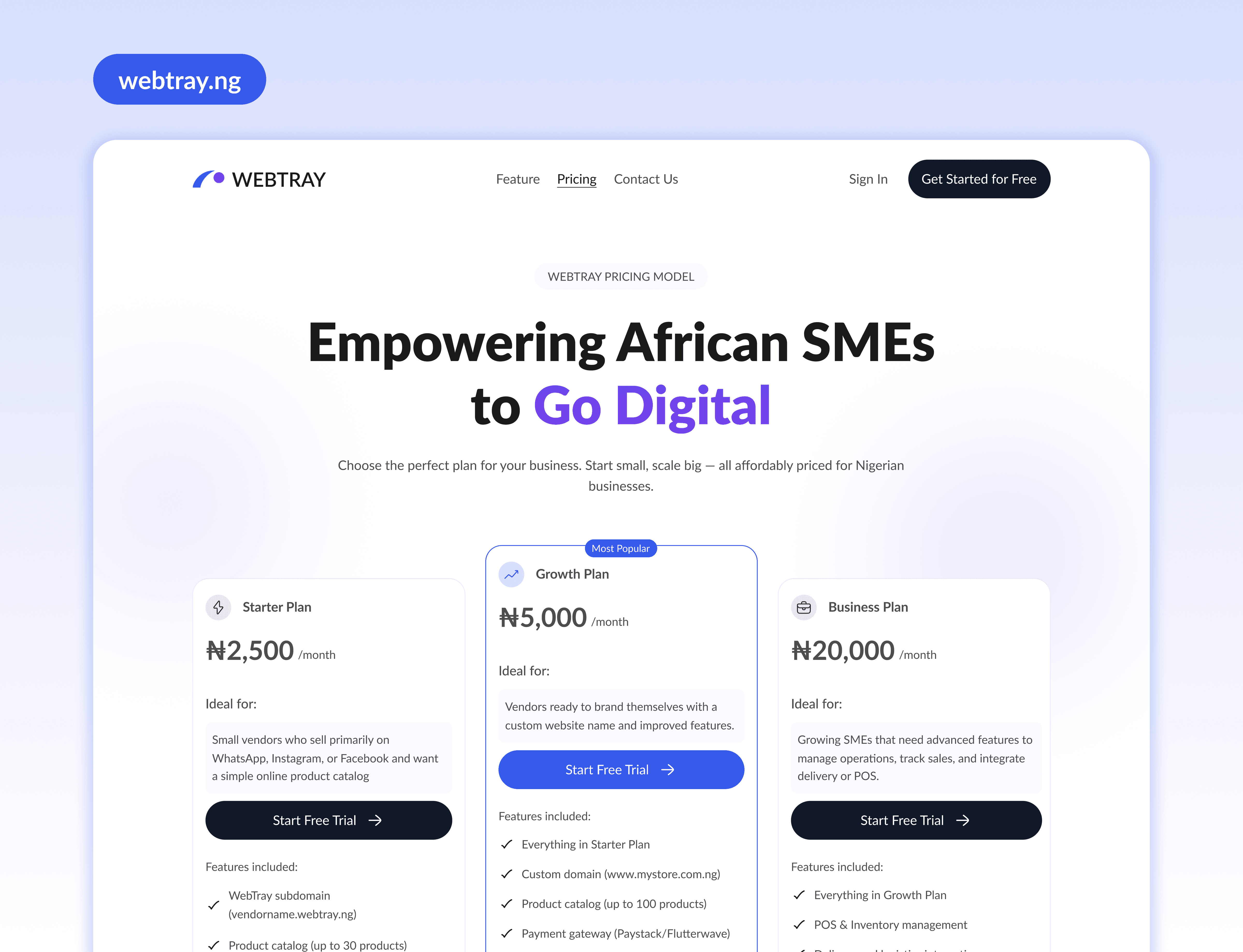
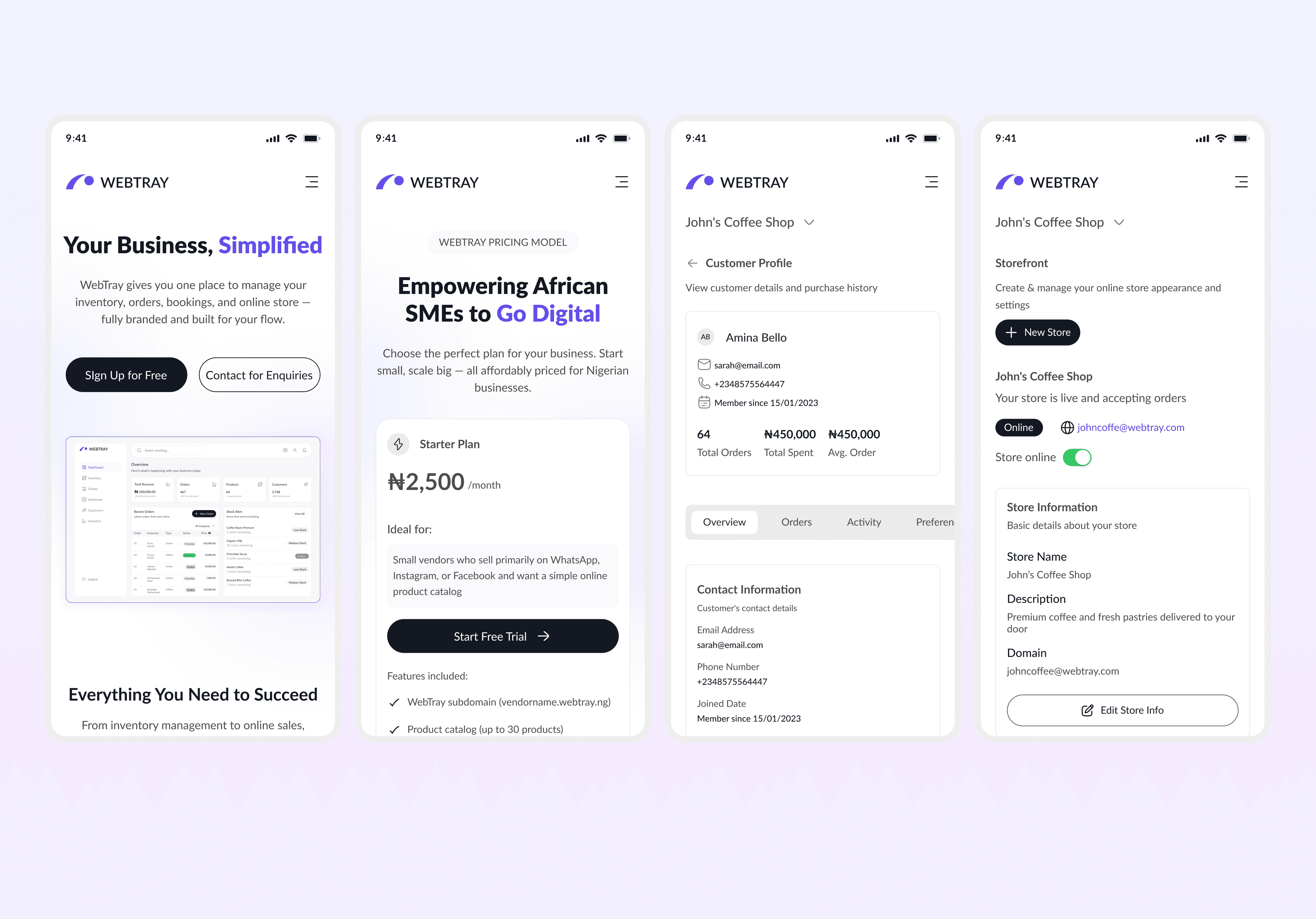
WebTray is an all-in-one platform built to help small businesses manage inventory, orders, bookings, and their own branded storefront from a single dashboard.
Many small business owners rely on multiple disconnected tools to run daily operations. WebTray brings these critical functions together, reducing friction, saving time, and giving business owners clearer control over how they operate and sell.
The Challenge WebTray Is Addressing
Running a small business often means juggling too many tools at once.
Inventory is tracked in one place. Orders come from another. Bookings live somewhere else. And storefronts are either too complex to manage or too limited to grow with the business.
This fragmentation creates real problems:
Business owners lose visibility into their operations
Errors happen due to manual updates and context switching
Time is wasted managing tools instead of serving customers
Branding and customer experience become inconsistent
The challenge wasn’t just to combine features, but to make complexity feel manageable for business owners who are already stretched thin.
How WebTray Solves This
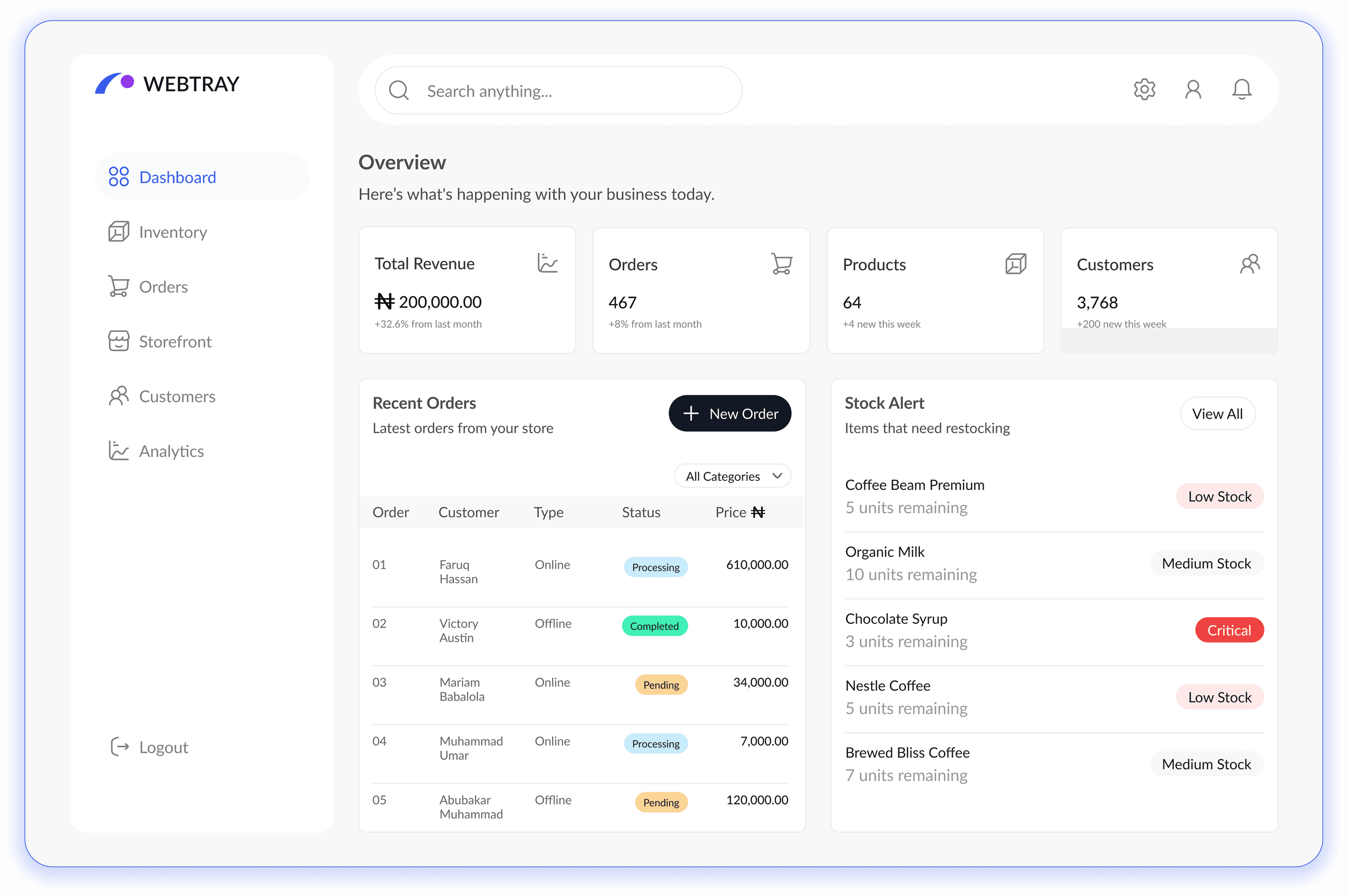
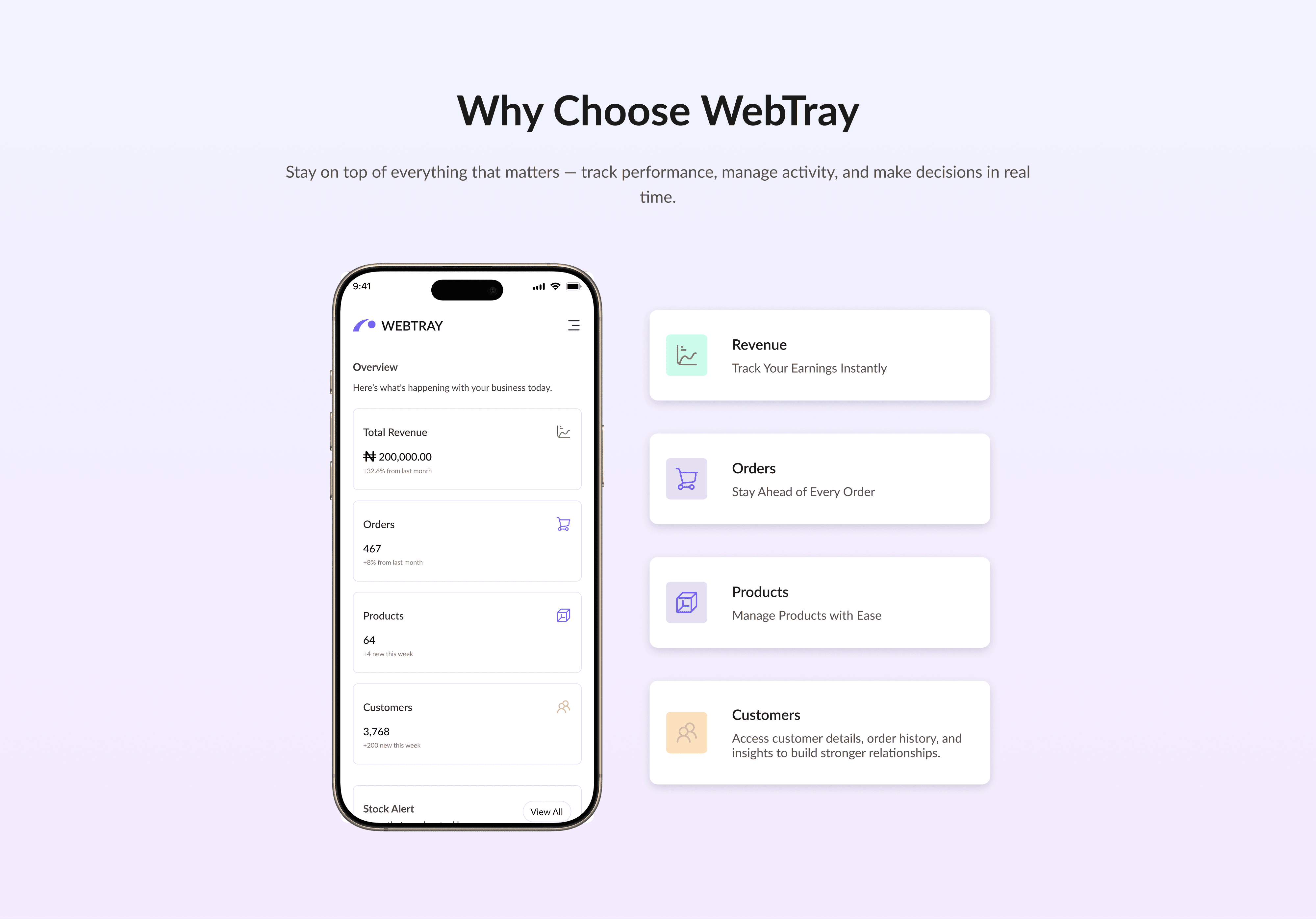
WebTray brings core business operations into a single, clear workspace.
From one dashboard, business owners can:
Track and manage inventory in real time
Receive and fulfill customer orders
Handle bookings without manual follow-ups
Run a branded storefront without technical setup
The product is designed to reduce mental load. Instead of learning multiple systems, users interact with one consistent experience that adapts to how small businesses actually work.
The goal is not to add more features, but to remove friction from everyday decisions.
Design Focus
The design approach focused on clarity, prioritization, and trust.
Small business owners don’t have time to explore or experiment. The interface needed to feel obvious from the first interaction.
I focused on:
Clear hierarchy, so users always know what matters most
Simple navigation that reflects real workflows, not feature lists
Interfaces that reduce errors
A visual system that is not overwhelming
Instead of designing for edge cases, the emphasis was on daily tasks, the actions users perform repeatedly and need to complete quickly.